Find friends and colleagues
Three ways, the same result — pick whichever is fastest for you.


Search by email address
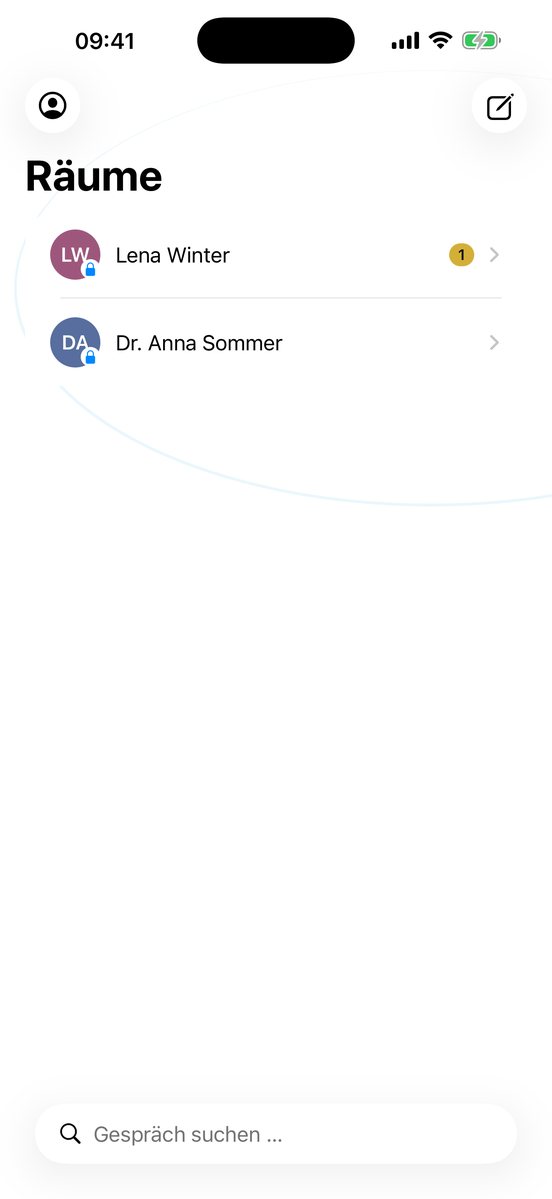
Tap the pencil icon top right for a new conversation and type the address. The app checks as you type whether the person is already here:
- Already here — the conversation opens right away.
- Not yet here — you can invite them.
Pick from your contacts
"My contacts" opens your phone's normal contact picker — the app only receives the one address you tap. Your whole address book never leaves your phone, no contacts permission needed.
Share a link
"Invite a friend" creates a link that's valid for 24 hours — share it through any other app (mail, SMS, whatever's handy). The link belongs to whoever uses it first.
Accepting an invitation
If you arrive via a link or an invitation email, you'll see your conversation with the person who invited you right away — nothing else to do.
Invite three, get 14 days free
At the start you have 72 hours free. Invite 3 people who also use Orbit — then you get 14 days free, counted from your sign-up. And they get the same. You can see how many are already here when you invite. (The display in the app comes with the next update: iPhone 0.9.3, Android 0.9.4.)
Groups
Create groups, name and rename them. More people join through the same three ways.
Next: Write →