BlueOcean Orbit Messenger · New
A subscription for the whole family
Up to six people, one price. The family subscription is here.
Whoever has the subscription can invite up to five people. Their seats cost nothing extra. We cannot read your messages.


Download the messenger, open settings and set up your family.
How it works
The family in the messenger
- Only whoever pays can invite. You invite up to five people. They get a family seat — without their own subscription.
- A family seat stays within the family. With a family seat, you message and call within your family. Anyone who wants to message other people too needs their own subscription.
- The family room. Whoever joins is in. Whoever leaves is out.
- Anyone who already has a subscription can still join the family. They then do not take up one of the five seats.
- iPhone with Family Sharing. Anyone who buys through Apple and uses Apple Family Sharing can share the subscription that way too. You confirm in the app who belongs.
- Teenagers aged 13 and up can join through the family — with parental consent.
- No reading along. Messages are encrypted on the devices. We cannot read them, and whoever pays or the parents do not see chats they are not in themselves.
The rules appear in our Terms of Service (sections 8b to 8d).
New in the messenger
Share from any app — straight into the chat
On Android and iPhone.
- Share from other apps: you pick the chat directly, see a preview and add a comment.
- Your chats appear at the top of the share menu.
- After sharing, a strip shows who it is being sent to and when it arrived.
- Photos and videos: press and hold to reply, save and delete — for you or for everyone.
- "Delete for me" applies on all your devices.
- If an old attachment gets stuck, new messages still go out.
- Eight languages no longer show German text.
The family in the messenger
This is what it looks like
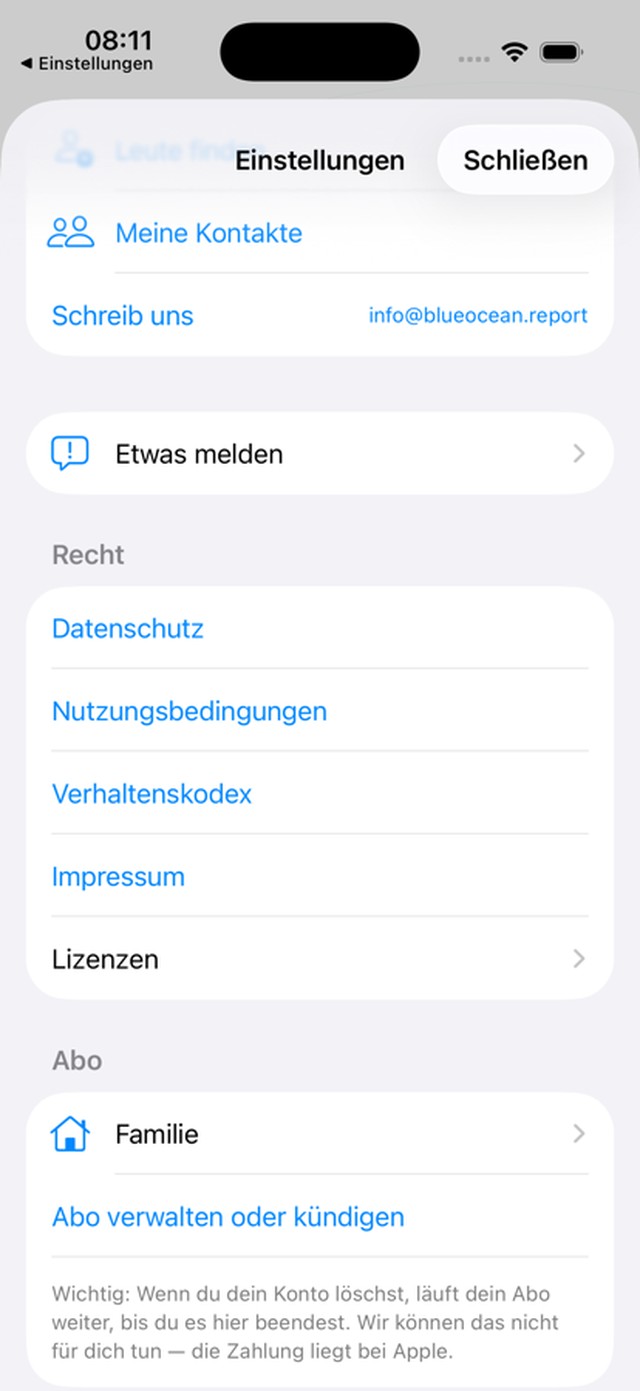
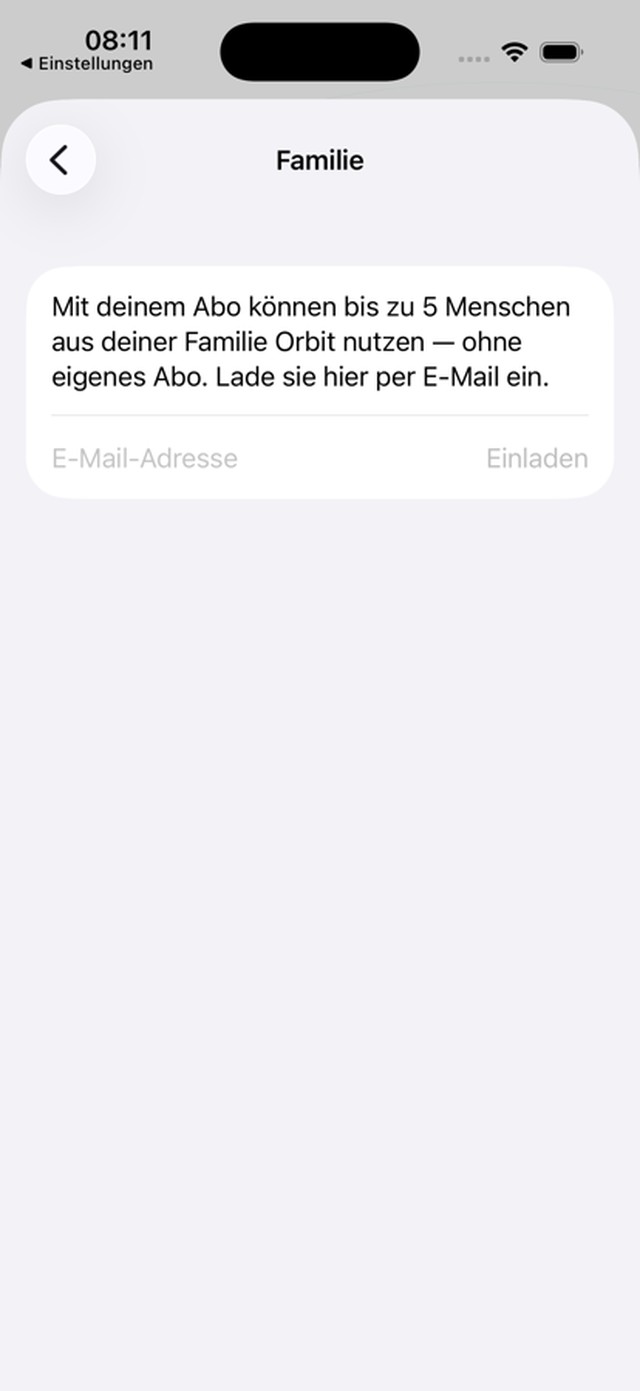
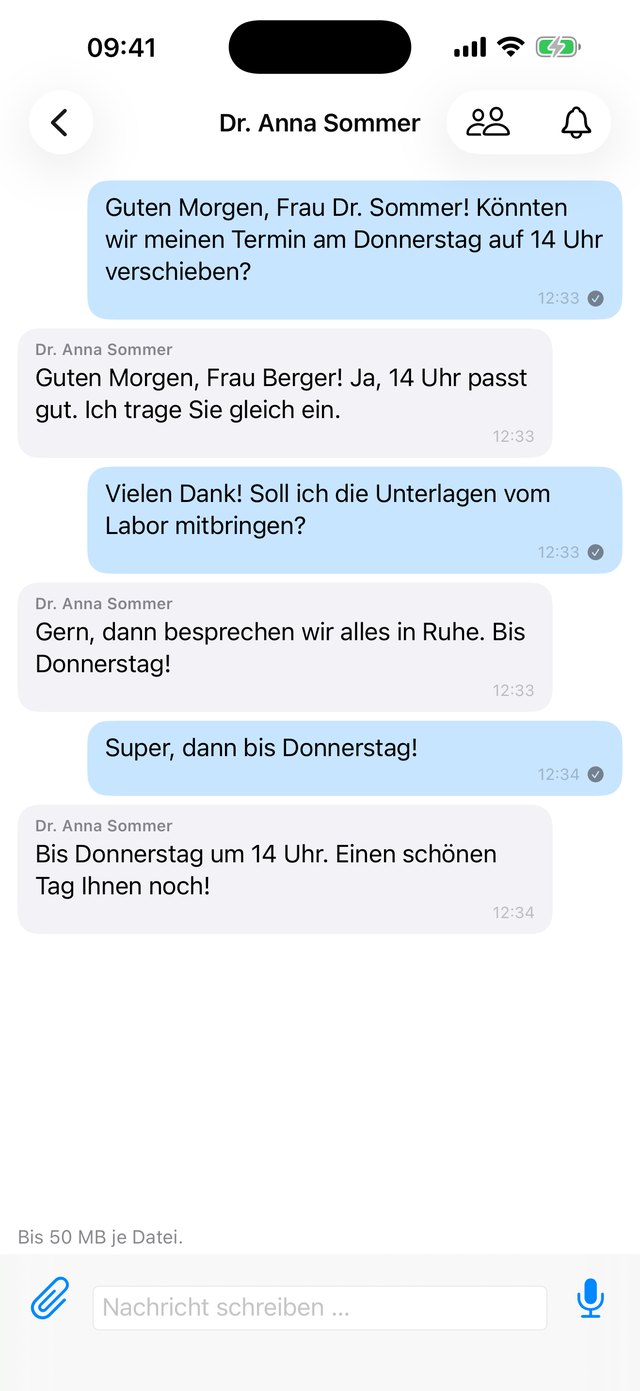
Shots from the running app.
More about the messenger on the messenger page. New here? The guide walks you through everything step by step.