Orbit Shield
Your chat belongs to you – on screen too. Orbit turns screenshots and recordings black and hides decoys: if someone uses data stolen from your phone, Orbit raises the alarm at once.
Get Orbit – 3 days free, no payment details.


Screen protection
Screenshots, recordings and shared screens show nothing but black from Orbit.
Break-in alarm
Hidden decoys give away anyone who uses stolen data – a red window in the app and an email to you.
What it looks like in the app
Real screenshots from 23 November 2026: iPhone 0.9.21 and Android. The alarm in the picture is a test with a test account.
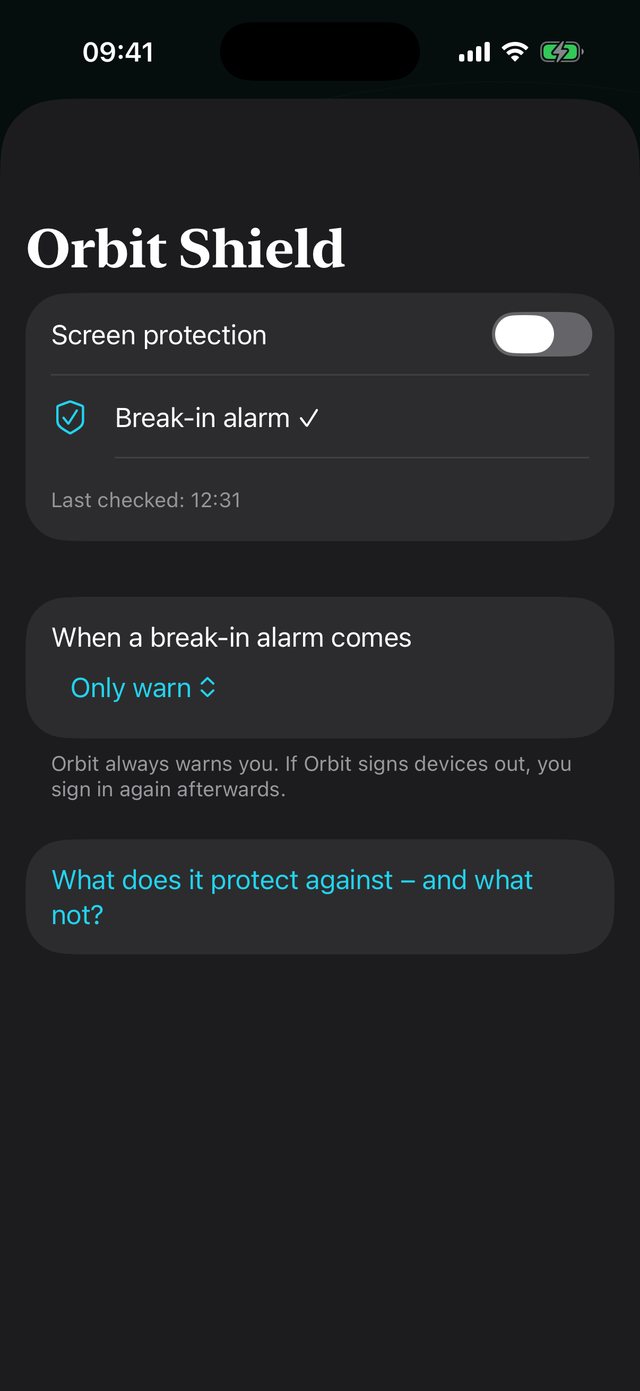
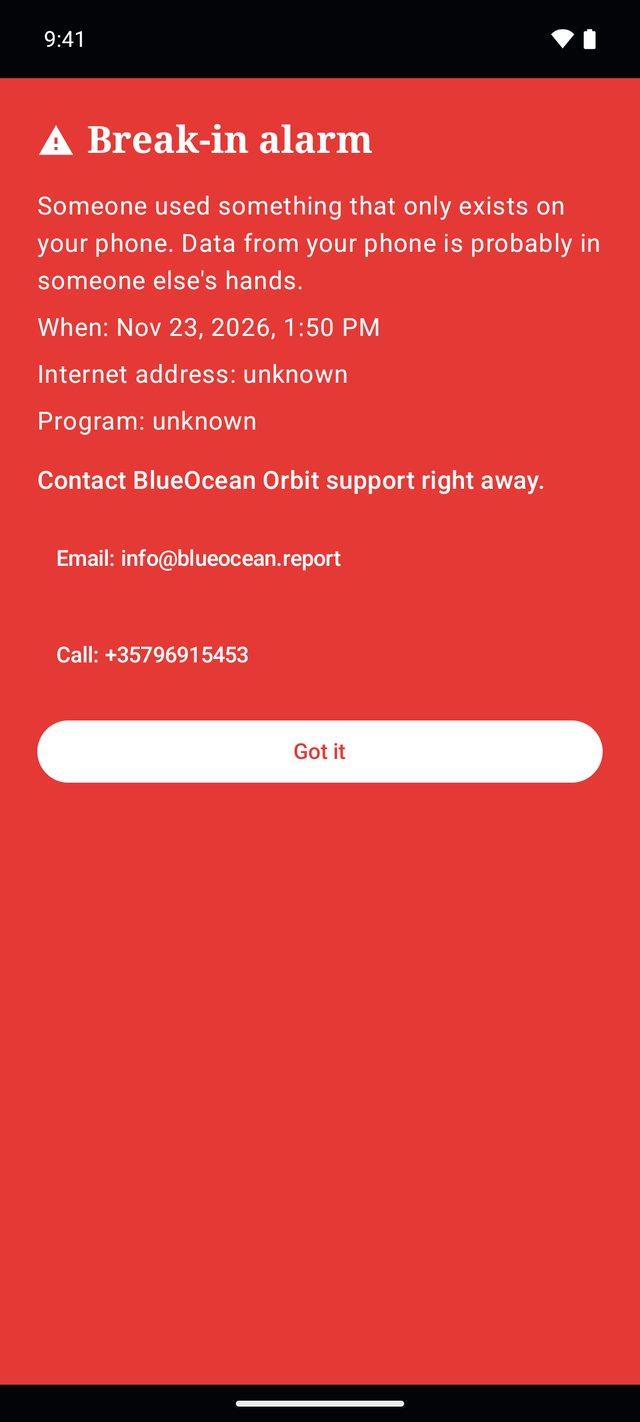
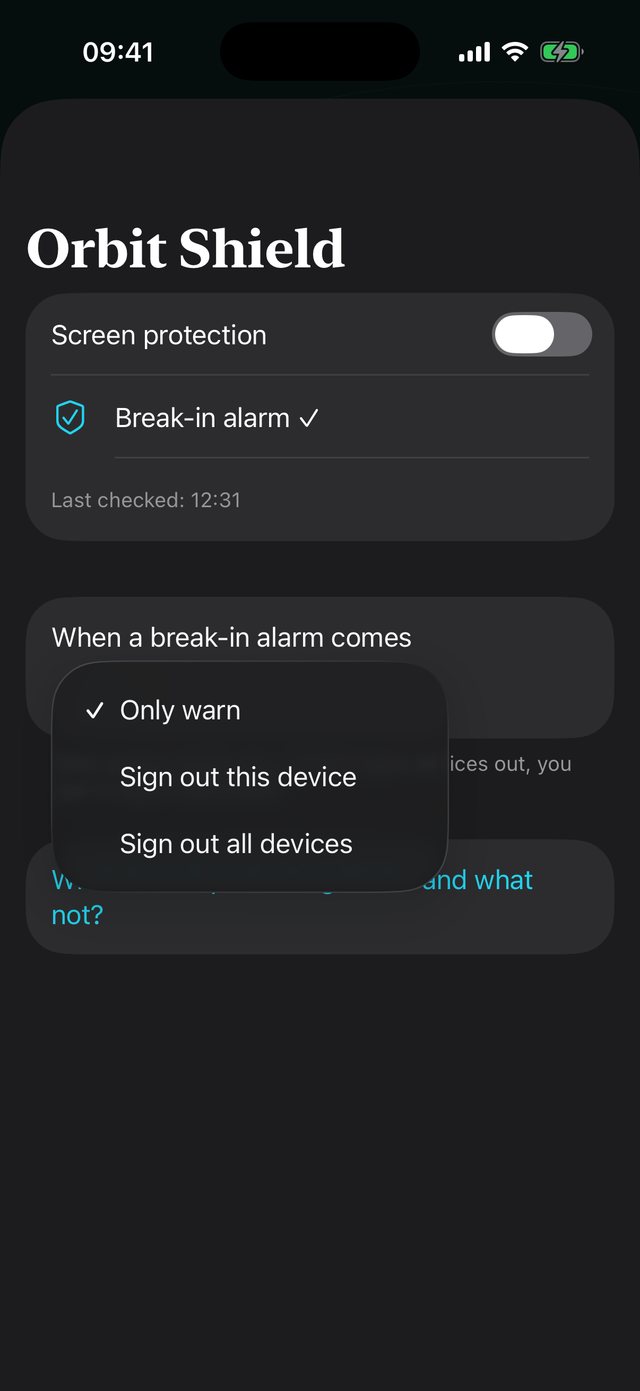
Screen protection: your chat stays on your screen
One switch in the settings under Privacy – and no recording sees anything of Orbit any more: no screenshot, no screen recording, and on Android no shared screen either. In the app switcher your chat is covered.
Protects you against
The banking trojan “DoubleTrouble” (2025) read screens through Android's recording feature. With Orbit it sees black.
Source: Zimperium“SparkCat” (2025) hid in apps from the App Store and Google Play and searched photos for text. If there is no screenshot of your chat, there is nothing to steal.
Source: KasperskyScammers get people to share their screen and read their logins. On Android, Orbit stays black.
Source: FBIGood to know: No phone can stop a photo taken with a second camera, and the person you talk to switches the protection on on their own device. Malware with deep system rights finds other ways (example “RatHat”).
Break-in alarm: the decoy that gives thieves away
Orbit places fake access keys and pictures on your phone that look real. Whoever steals your data takes them along – and as soon as they try one, you know.
Someone used something that only exists on your phone. Data from your phone is probably in someone else's hands.
When: 22 Nov 2026, 7:41 PM
Internet address: 203.0.113.7
Program: curl/8.7
Contact BlueOcean Orbit support right away.
Email: [email protected]
Call: +35796915453
Got itOn Android: alarm as soon as it is read
On Android, Orbit guards its decoy file. If another program reads it – such as spy software that siphons off a messenger's data – Orbit reports it at once: before anyone even tries the stolen data. Orbit needs to be running for this, in the foreground or in the background.
Case example: In 2026, a program copied Telegram's login folder and took over accounts without a password (Kaspersky). Whoever copies Orbit's data like that on an Android phone reads the decoy file too – and the alarm goes off while they copy.
Protects you against
In 2026, Telegram accounts were taken over without a password because a program copied the login folder. Whoever copies everything from Orbit takes the decoys along.
Source: KasperskyAt Okta (2023), attackers used stolen session tokens to take over the sessions of five customers. Exactly such an attempt sets off Orbit's alarm.
Source: OktaGrafana (2025) planted fake keys and the attacker tried one: “we got a real-time alert … the intrusion was contained within minutes”.
Source: GrafanaGood to know: The iPhone does not tell apps when a file is read – there, Orbit raises the alarm as soon as someone uses the stolen data. Spy software that only reads along on the screen and never touches the decoys cannot be caught by any messenger alone.
If the alarm goes off
Contact BlueOcean Orbit support right away – we help you secure your account.
Get Orbit – 3 days free, no payment details.